
UX and SEO: How Great User Experience Boosts Search Rankings in 2026
In today’s competitive digital landscape, UX and SEO have become inseparable elements of a successful website strategy. While search engine optimization helps users discover your website, user experience determines whether they stay, engage, and convert. Google increasingly rewards websites that provide visitors with intuitive navigation, fast loading speeds, mobile responsiveness, and meaningful content.
Businesses that prioritize UX and SEO not only achieve higher rankings but also improve customer satisfaction, reduce bounce rates, and increase conversions. In 2026, creating a seamless digital experience is no longer optional—it is essential for sustainable online growth.
What is UX and SEO?
UX (User Experience) refers to how users interact with your website. It includes usability, accessibility, visual appeal, page speed, and overall satisfaction.
SEO (Search Engine Optimization) focuses on improving a website’s visibility in search engines by optimizing content, technical performance, and relevance.
When UX and SEO work together, they create websites that are both search engine-friendly and user-friendly. Google evaluates numerous behavioral signals, making user satisfaction an increasingly important ranking factor.
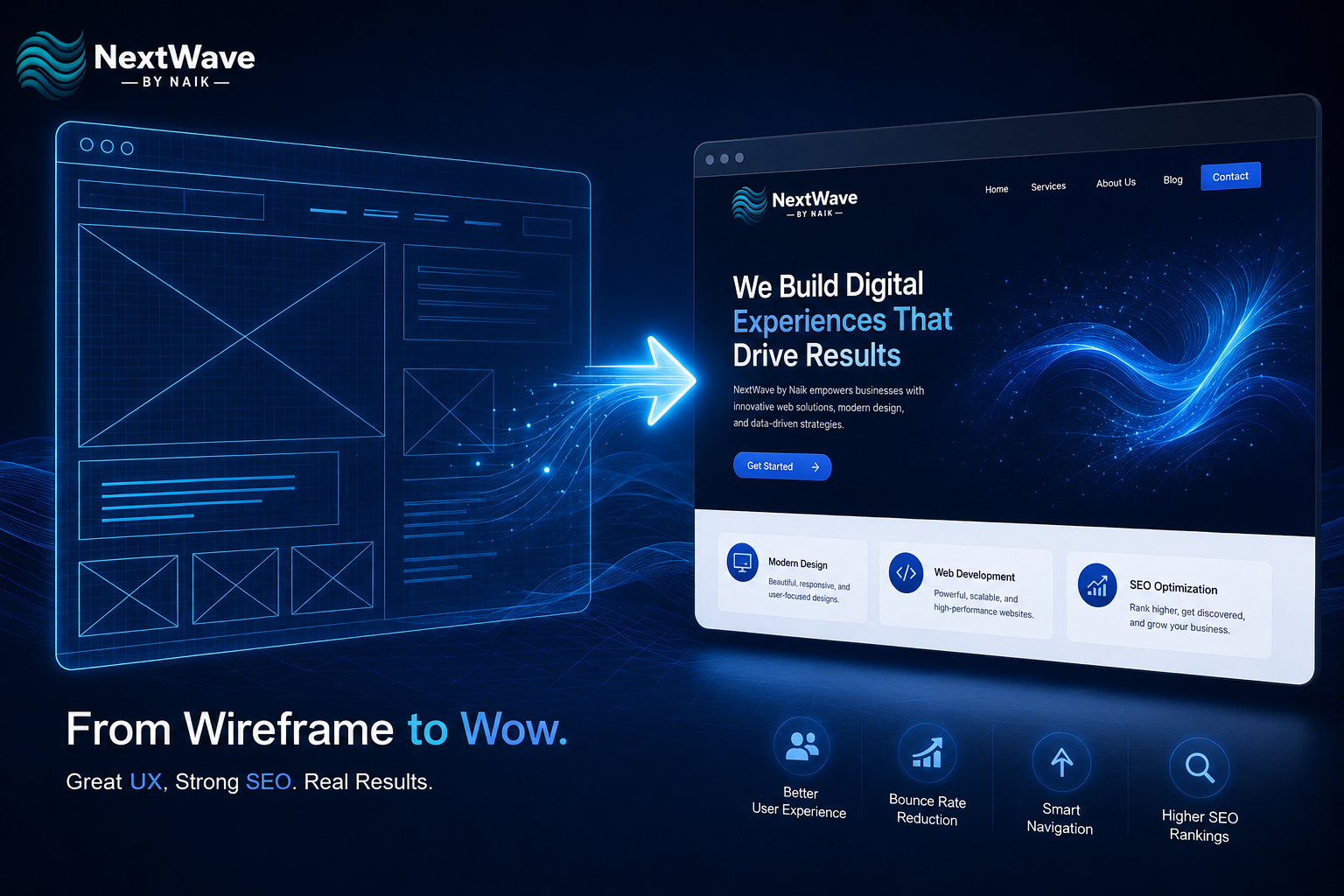
Why UX and SEO Matter Together
Modern search engines aim to deliver the best possible experience to users. If visitors leave your website quickly because it is slow or difficult to navigate, search engines may interpret this as a poor experience.
A strong user experience benefits SEO by:
- Increasing average session duration
- Improving engagement metrics
- Supporting bounce rate reduction
- Encouraging repeat visitors
- Increasing conversions
- Building trust and authority
When visitors enjoy using your website, search engines recognize these positive engagement signals.
User Experience Directly Influences Rankings
Google measures how users interact with websites after clicking search results. A well-designed website keeps visitors engaged, while a confusing interface often drives them away.
Some important UX factors include:
Fast Loading Speed
Website speed is one of the most important ranking signals. Slow websites frustrate users and increase abandonment rates.
Optimize by:
- Compressing images
- Using browser caching
- Reducing unnecessary code
- Choosing reliable hosting
- Enabling lazy loading
Faster websites contribute significantly to both UX and SEO success.
Mobile-Friendly Design
Most online searches now happen on smartphones. Responsive websites provide consistent experiences across all devices.
Mobile optimization improves:
- Readability
- Accessibility
- User satisfaction
- Search visibility
- Conversion rates
Google’s mobile-first indexing makes responsive design essential.
Navigation Design Improves User Journey
Effective navigation design helps users quickly locate the information they need. Confusing menus increase frustration and cause visitors to leave.
Best practices include:
- Clear navigation menus
- Logical page hierarchy
- Internal linking
- Breadcrumb navigation
- Consistent page layouts
Simple navigation improves usability while helping search engines crawl your website more efficiently.
Bounce Rate Reduction Supports Better SEO
Visitors often leave websites because they cannot immediately find useful information.
Strategies for bounce rate reduction include:
- Writing compelling introductions
- Improving page speed
- Using engaging visuals
- Creating clear calls-to-action
- Organizing content with headings
- Providing relevant internal links
Reducing bounce rates signals that users find your content valuable.
Website Usability Builds Trust
Website usability determines how easily visitors can interact with your content.
Improve usability by:
- Using readable fonts
- Maintaining consistent branding
- Ensuring accessibility
- Simplifying forms
- Adding whitespace
- Using intuitive buttons
Excellent usability keeps visitors engaged longer and improves overall SEO performance.
Content Structure Enhances UX and SEO
Even exceptional content performs poorly if users cannot read it comfortably.
Optimize content by:
- Using descriptive H2 and H3 headings
- Keeping paragraphs short
- Adding bullet points
- Including relevant images
- Highlighting key information
- Writing conversationally
A well-structured page improves readability while making content easier for search engines to understand.
Core Web Vitals Matter
Google measures technical aspects of user experience through Core Web Vitals.
Important metrics include:
- Largest Contentful Paint (LCP)
- Interaction to Next Paint (INP)
- Cumulative Layout Shift (CLS)
Optimizing these metrics improves page performance and enhances UX and SEO simultaneously.
Accessibility Improves Search Performance
Accessible websites serve all users, including those with disabilities.
Accessibility improvements include:
- Alt text for images
- Keyboard navigation
- High color contrast
- Proper heading structure
- Descriptive links
- Screen-reader compatibility
Accessibility contributes to better user satisfaction while supporting SEO best practices.
Common UX Mistakes That Hurt SEO
Avoid these mistakes:
- Slow-loading pages
- Broken links
- Pop-ups covering content
- Poor mobile responsiveness
- Difficult navigation
- Tiny font sizes
- Cluttered layouts
- Confusing menus
- Duplicate content
- Weak internal linking
Fixing these issues can significantly improve rankings and engagement.
Future of UX and SEO
Artificial intelligence, voice search, and personalized experiences continue shaping search algorithms. Search engines increasingly reward websites that prioritize user satisfaction over keyword stuffing.
Businesses investing in UX and SEO today will be better positioned for future algorithm updates and changing user expectations.
Frequently Asked Questions (FAQs)
Good UX improves user engagement, reduces bounce rates, and encourages visitors to spend more time on your website, which supports better search rankings.
Yes. Clear navigation helps users find information quickly and enables search engines to crawl your website more effectively.
While bounce rate itself isn’t a direct ranking factor, poor user engagement can indicate that visitors aren’t finding your content useful.
Page speed, mobile responsiveness, intuitive navigation, accessibility, readable content, and Core Web Vitals all play significant roles.
Regular UX audits every few months help identify issues and keep your website aligned with user expectations and evolving SEO best practices.
Conclusion
The relationship between UX and SEO has never been stronger. High-quality content alone is no longer enough to achieve top search rankings. Visitors expect websites that are fast, intuitive, visually appealing, and easy to navigate.
By focusing on user experience, implementing effective navigation design, improving website usability, and achieving bounce rate reduction, businesses create websites that satisfy both users and search engines.
A user-first approach not only improves visibility but also drives higher engagement, stronger trust, and better long-term business growth.