
Accessible Website Design: 9 Powerful Ways to Create Inclusive Digital Experiences That Build Trust
Introduction
Accessible Website Design is no longer an optional feature—it is an essential part of building successful websites that serve everyone. Businesses today compete not only on visual appeal but also on how effectively they provide equal access to digital information. An accessible website ensures that people with disabilities, older adults, and users with different devices or internet conditions can interact with your content comfortably.
Modern search engines increasingly reward websites that prioritize usability, performance, and accessibility. By combining inclusive UX design, responsive layouts, and accessibility best practices, organizations can improve customer satisfaction while strengthening SEO performance.
Whether you own a small business, an eCommerce store, or a corporate website, investing in Accessible Website Design helps expand your audience, increase conversions, and establish long-term trust with customers.
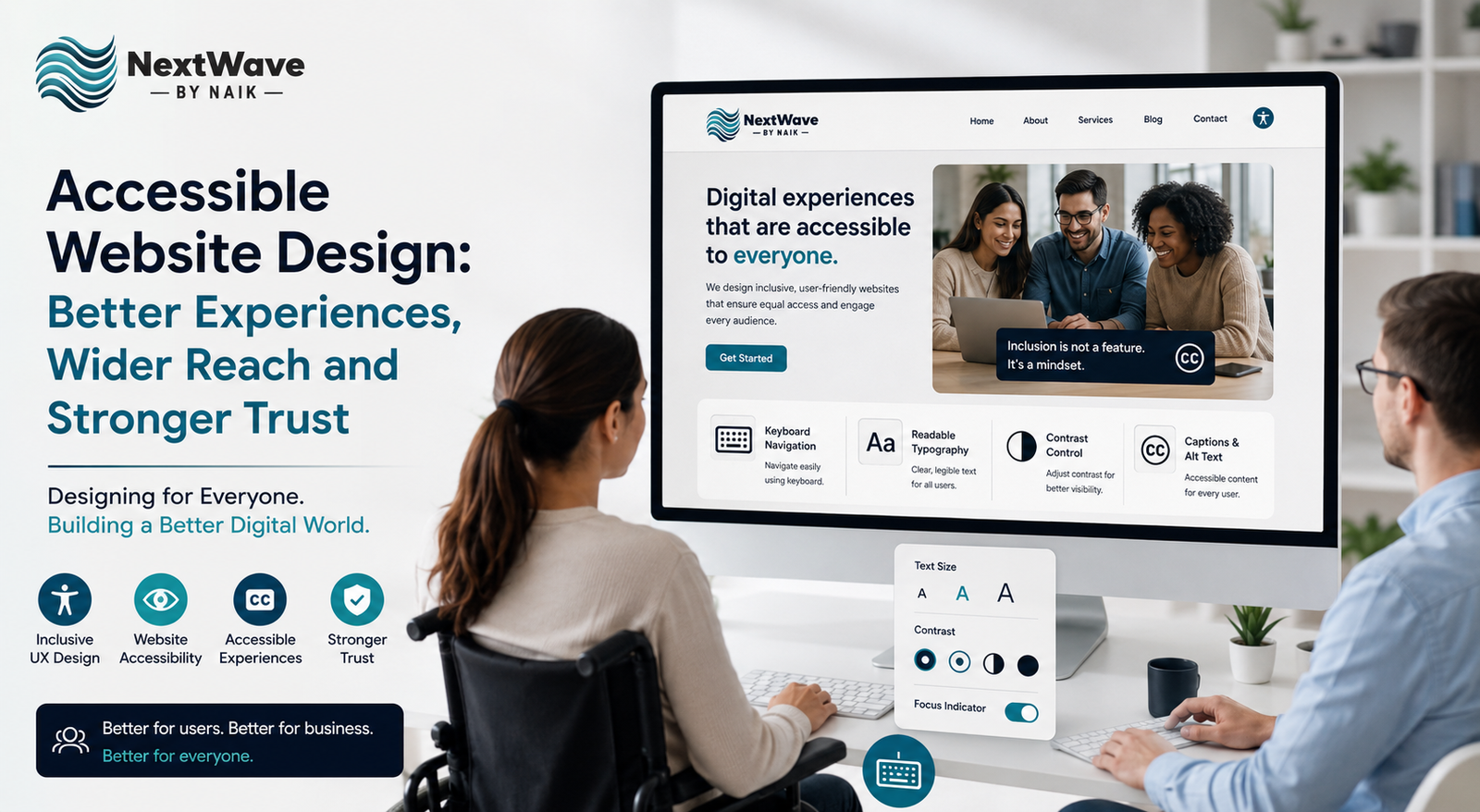
Why Accessible Website Design Matters
Millions of people rely on assistive technologies such as screen readers, keyboard navigation, voice recognition software, and screen magnifiers. If your website isn’t designed to support these users, you’re unintentionally excluding a significant portion of potential customers.
An accessible website provides:
- Equal access for all users
- Better navigation across devices
- Improved readability
- Enhanced customer satisfaction
- Higher search engine visibility
Accessibility is no longer just about compliance—it has become a competitive business advantage.
1. Design with Every User in Mind
The foundation of Accessible Website Design is understanding that users have different abilities and browsing preferences.
Consider visitors who may have:
- Visual impairments
- Hearing impairments
- Motor disabilities
- Cognitive challenges
- Temporary injuries
- Slow internet connections
Creating accessible digital experiences ensures every visitor enjoys a smooth journey regardless of limitations.
2. Improve Navigation Through Inclusive UX Design
Navigation should always be simple and predictable.
An effective inclusive UX design includes:
- Clear navigation menus
- Logical page hierarchy
- Descriptive headings
- Keyboard-friendly controls
- Consistent layouts
When users quickly find what they need, bounce rates decrease while engagement increases.
Simple navigation also improves search engine crawling.
3. Use Readable Typography and Color Contrast
Text should always remain easy to read across different screen sizes.
Best practices include:
- Large readable fonts
- Proper line spacing
- High color contrast
- Avoiding text inside images
- Responsive typography
Visitors with low vision benefit greatly from proper contrast and scalable text.
These improvements also enhance the overall user experience for everyone.
4. Make Images Accessible
Images should communicate information even when users cannot see them.
Best practices include:
- Meaningful alt text
- Decorative images marked appropriately
- Image captions where necessary
- Responsive image optimization
Search engines also use alt text to understand images, creating additional SEO opportunities.
Accessible visual content strengthens both usability and discoverability.
5. Build Keyboard-Friendly Websites
Many users cannot operate a mouse and depend entirely on keyboard navigation.
Your website should allow visitors to:
- Navigate menus
- Fill forms
- Open dropdowns
- Submit buttons
- Access all interactive elements
Every feature should remain fully functional using only keyboard controls.
This is one of the most important aspects of website accessibility.
6. Follow WCAG Accessibility Standards
Following internationally recognized accessibility standards creates consistency across your website.
Important WCAG practices include:
- Proper heading hierarchy
- Semantic HTML
- Accessible forms
- Clear error messages
- Sufficient color contrast
- Focus indicators
- Keyboard accessibility
Following WCAG recommendations reduces accessibility barriers while improving user confidence.
7. Optimize Forms for Better Accessibility
Forms are often the biggest obstacle for users.
Accessible forms should include:
- Clear labels
- Helpful instructions
- Error identification
- Required field indicators
- Keyboard accessibility
- Screen-reader compatibility
Simple improvements can dramatically increase form completion rates and lead generation.
8. Accessibility Improves SEO Performance
Many accessibility improvements directly benefit SEO.
Search engines favor websites that offer:
- Clear structure
- Fast loading speed
- Mobile responsiveness
- Proper HTML semantics
- Optimized images
- Better usability
When implementing Accessible Website Design, businesses often experience:
- Higher organic traffic
- Longer session durations
- Lower bounce rates
- Better Core Web Vitals
- Improved search rankings
Accessibility and SEO work together to create stronger digital performance.
9. Build Trust Through Accessible Digital Experiences
Trust is earned through positive user experiences.
Visitors remember websites that are:
- Easy to navigate
- Fast
- Inclusive
- Reliable
- Consistent
- Mobile-friendly
Providing accessible digital experiences demonstrates that your organization values every customer equally.
Businesses that prioritize accessibility often enjoy:
- Greater customer loyalty
- Increased referrals
- Better brand reputation
- Higher conversion rates
Accessibility ultimately becomes part of your brand identity.
Common Accessibility Mistakes to Avoid
Many websites unintentionally create barriers by making simple mistakes.
Avoid:
- Poor color contrast
- Missing alt text
- Tiny fonts
- Auto-playing media
- Confusing navigation
- Unlabeled buttons
- Inaccessible forms
- Keyboard traps
- PDF-only information
Regular accessibility audits help identify and resolve these issues before they impact users.
Benefits of Accessible Website Design
Implementing Accessible Website Design offers measurable business advantages.
Improved User Experience
Every visitor benefits from cleaner layouts, faster navigation, and easier interactions.
Better SEO Rankings
Accessibility aligns closely with Google’s emphasis on usability and page quality.
Higher Conversion Rates
Users complete purchases, inquiries, and registrations more easily.
Stronger Brand Reputation
Inclusive businesses are viewed as more trustworthy and customer-focused.
Larger Audience Reach
Accessibility allows businesses to connect with millions of additional users worldwide.
Best Practices for Long-Term Accessibility
To maintain accessibility over time:
- Test regularly using accessibility tools.
- Update content with accessibility in mind.
- Train content creators on best practices.
- Review accessibility after every website update.
- Gather feedback from real users.
- Monitor compliance with evolving standards.
Accessibility is an ongoing commitment rather than a one-time project.
Conclusion
Accessible Website Design creates better websites for everyone—not just users with disabilities. By embracing inclusive UX design, improving website accessibility, and delivering accessible digital experiences, businesses enhance customer satisfaction while strengthening SEO performance and brand credibility.
As digital expectations continue to evolve, accessibility has become a fundamental pillar of successful web development. Organizations that invest in accessible design today position themselves for greater visibility, wider audience reach, improved search rankings, and stronger customer trust tomorrow.
Creating an accessible website is not simply about meeting standards—it’s about delivering meaningful experiences that every visitor can enjoy with confidence.